 Caliper
Fig Studio LLC ↗
Caliper
Fig Studio LLC ↗
A calculator that understands units.
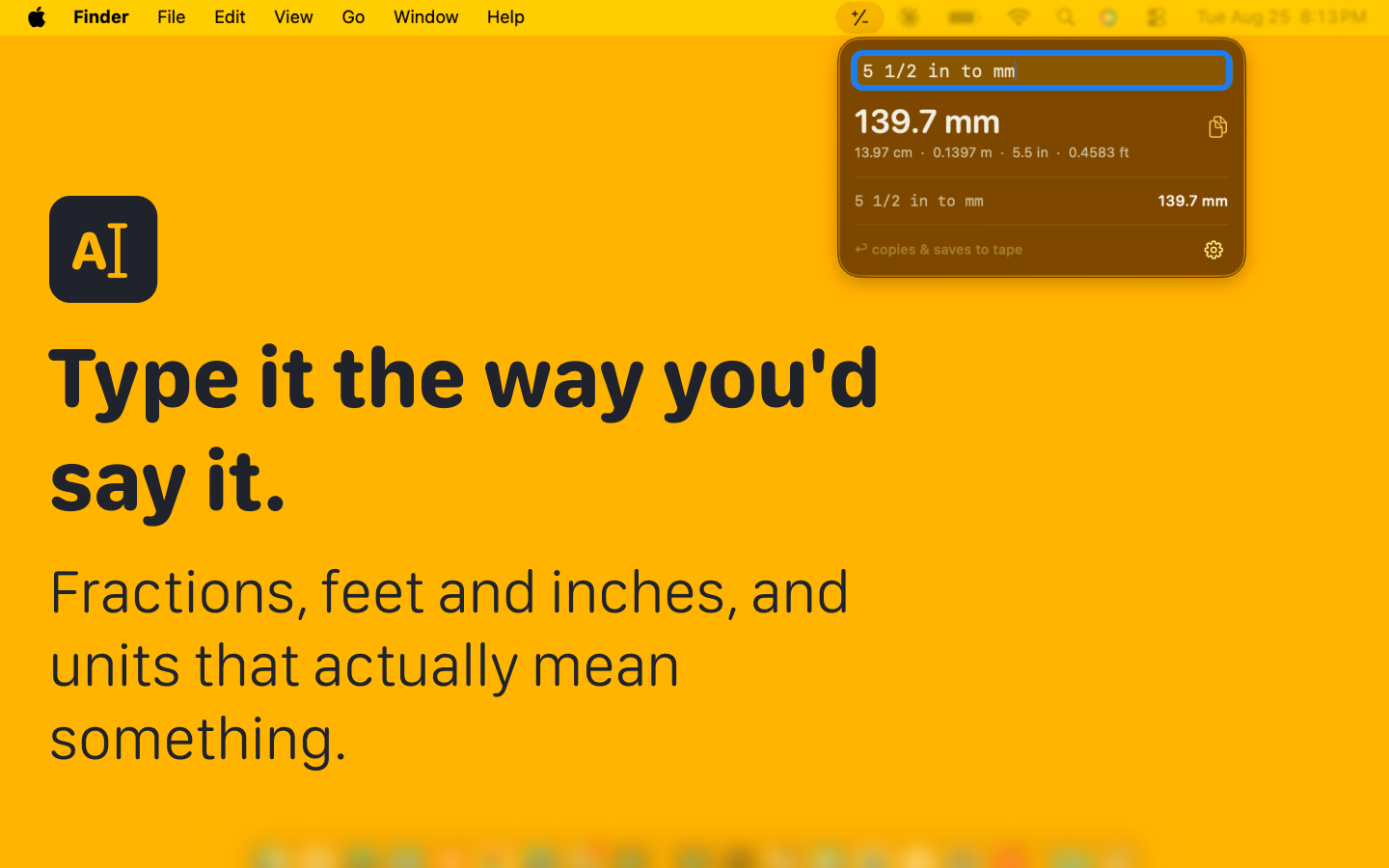
Caliper lives in your menu bar. Type 5 1/2 in to mm or
12ft × 10ft, press Return, and the bare number is on your
clipboard — ready to paste into CAD, a spreadsheet, or a cut list.
You type
5 1/2 in to mm
Caliper answers
139.7 mm
What you can type
One field. No modes.
Caliper answers as you type and shows the same quantity in neighbouring units underneath. It knows what the units mean, so it refuses to add inches to kilograms instead of quietly returning a wrong number.
- 2*(3+4)
- 28
- 1200 / 8
- 150
- 5 1/2 in to mm
- 139.7 mm
- 6'2" to cm
- 187.96 cm
- 1 ft + 2 in to mm
- 355.6 mm
- 1 m to in
- ≈ 39 3/8 inwith fractions turned on
- 12ft × 10ft
- 120 ft²
- 10ft × 10ft × 0.5ft to cuyd
- 1.85 yd³
- 120 sqft / 32 sqft
- 3.75sheets to cover the floor
- 100 + 10%
- 110
- 2.2 lb to kg
- 0.9979 kg
- 72 f to c
- 22.22 °C
Reads like a tape measure
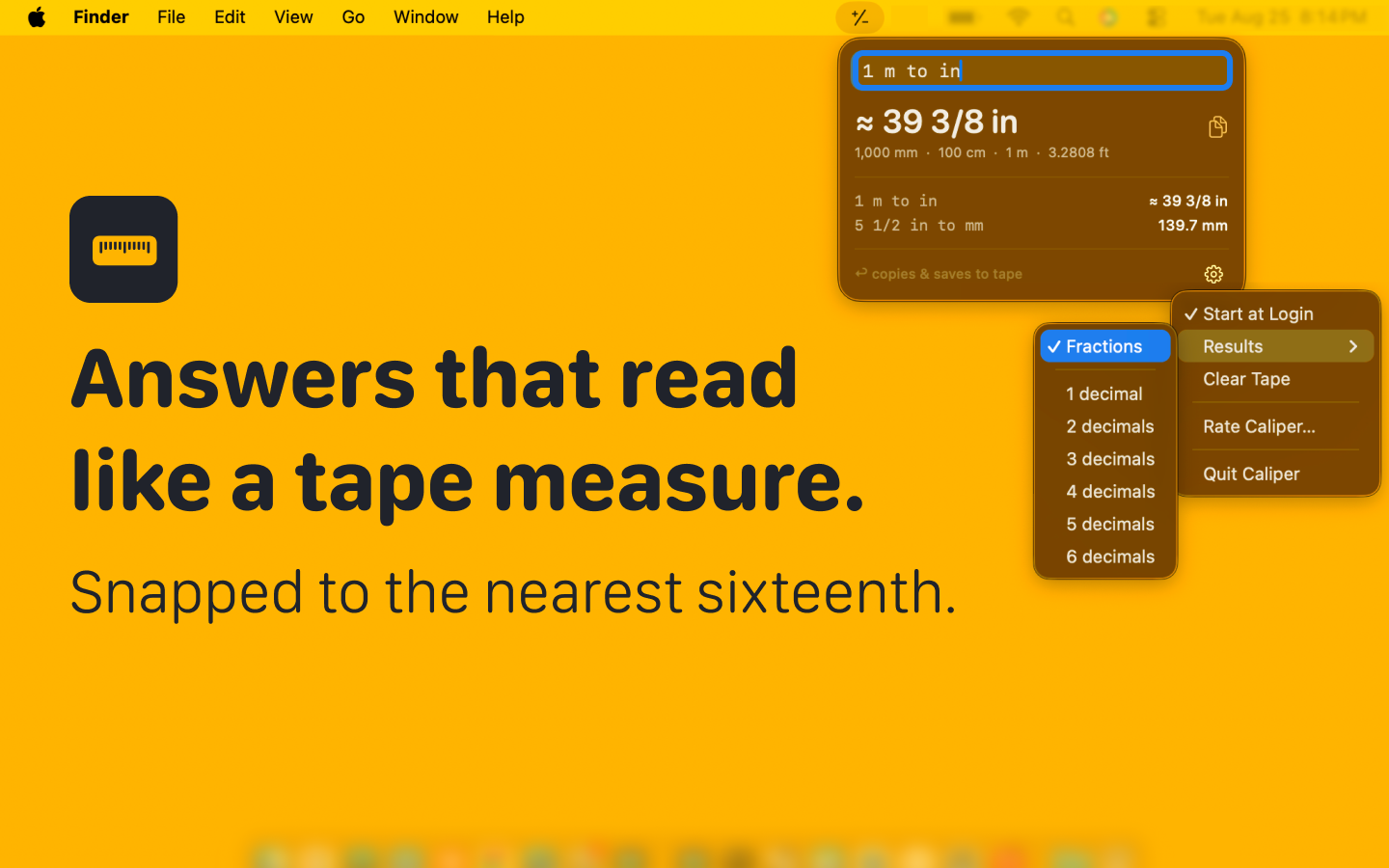
Switch results to fractions and inches, feet and yards come back as mixed numbers snapped to the nearest sixteenth. A ≈ marks anything that was rounded, so you always know.
Areas and volumes
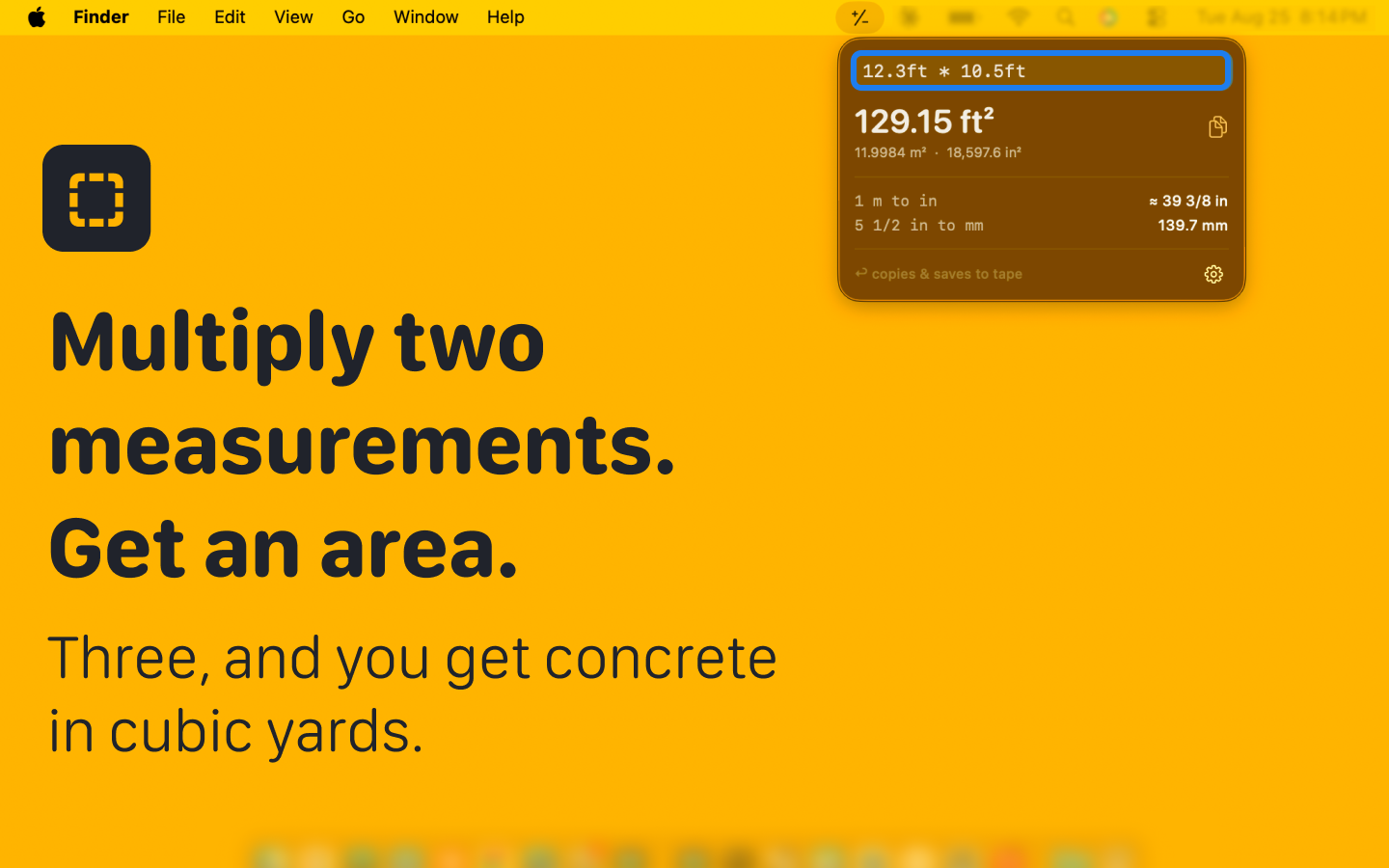
Multiply two measurements and get an area, three and get a volume — in the unit you asked in. Order concrete in cubic yards, or divide a floor by a sheet to count sheets.
Keeps a tape
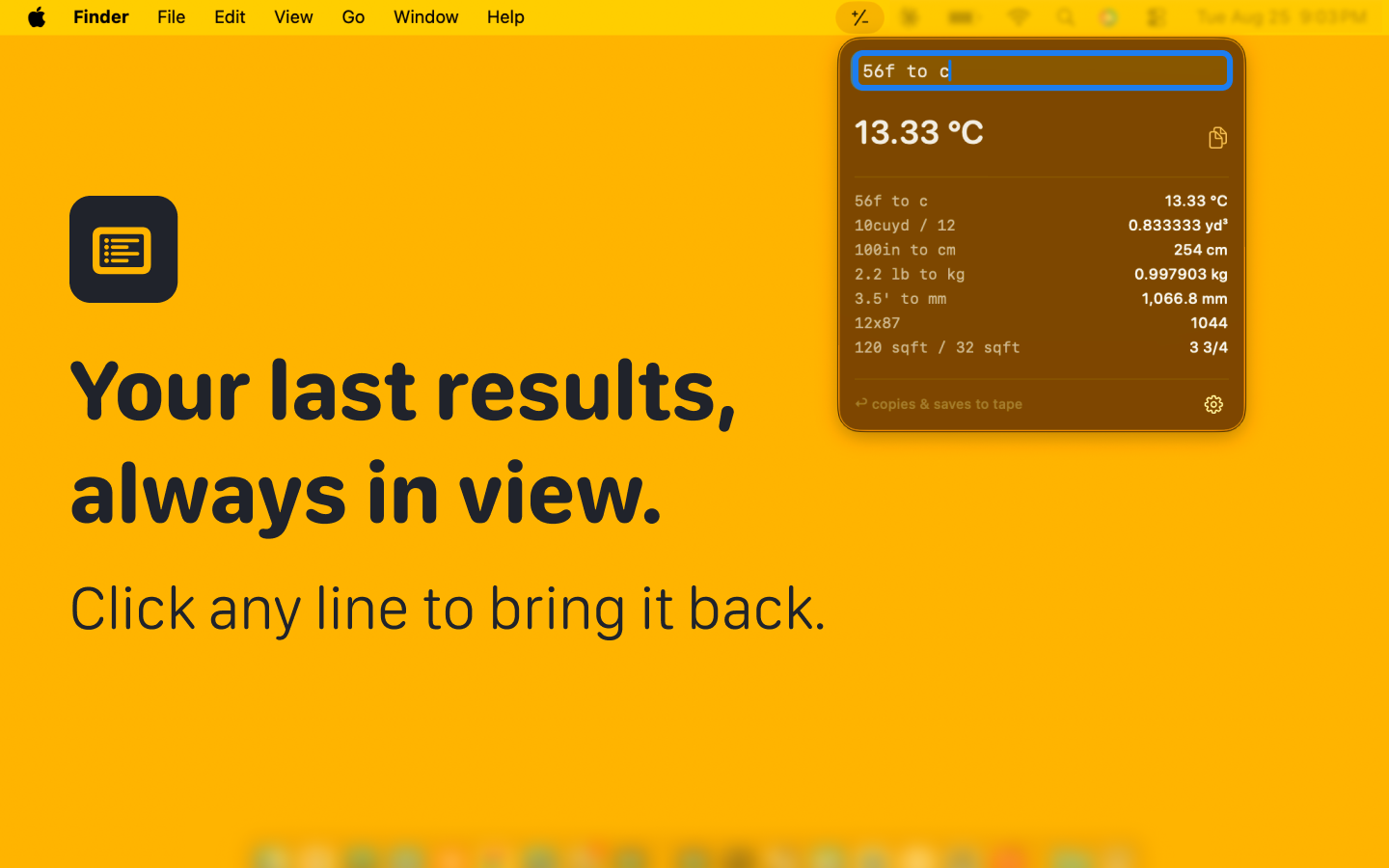
Every line you finish stays below the field — the last ten, across restarts. Click one to bring it back and edit it, the way you'd scroll back up a paper tape.
Screenshots
A look at it in place.
Privacy
It cannot phone home.Caliper runs in the App Sandbox with no network entitlement — not a policy to trust, a capability it was never granted. No account, no analytics, no ads. Your tape stays on your Mac.